How to record a visit already made?
After registering a visit with a patient, you can add controls for the same patient without the need to register a new visit.
To do this, please refer to the list of visits found in "Services > Visits" (located in the left sidebar) or from the patient's clinical history. Once there select the visit you want to add a controller and click on the eye icon (located in the actions column).
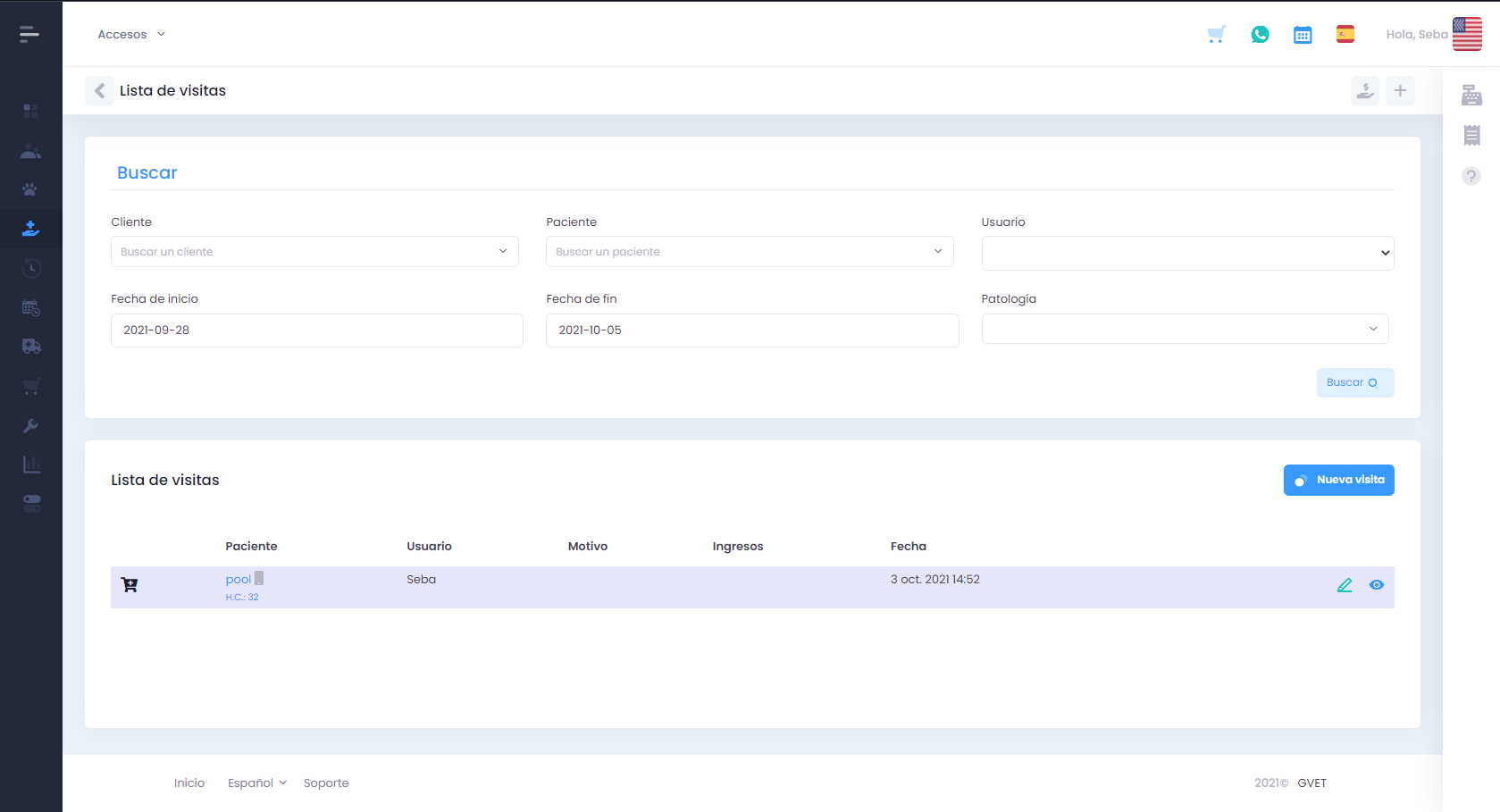
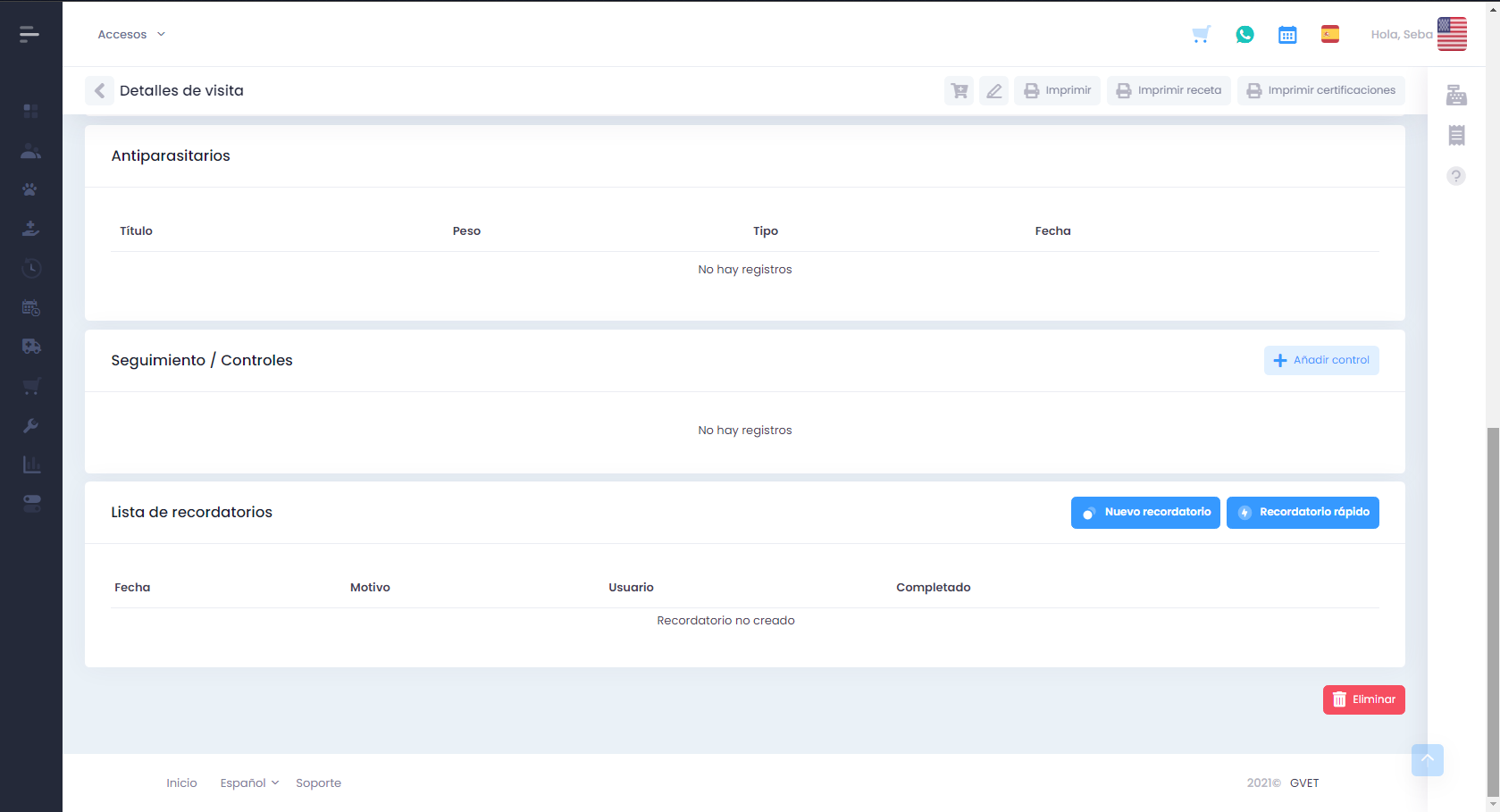
You would then see the details of the previous visit and below you would find the follow-up section where you would have to click on the "Add Control" button.
When entering, a number of fields are deployed where the controller, the date, the customer's account of the evolution of their pet, and they could also follow.
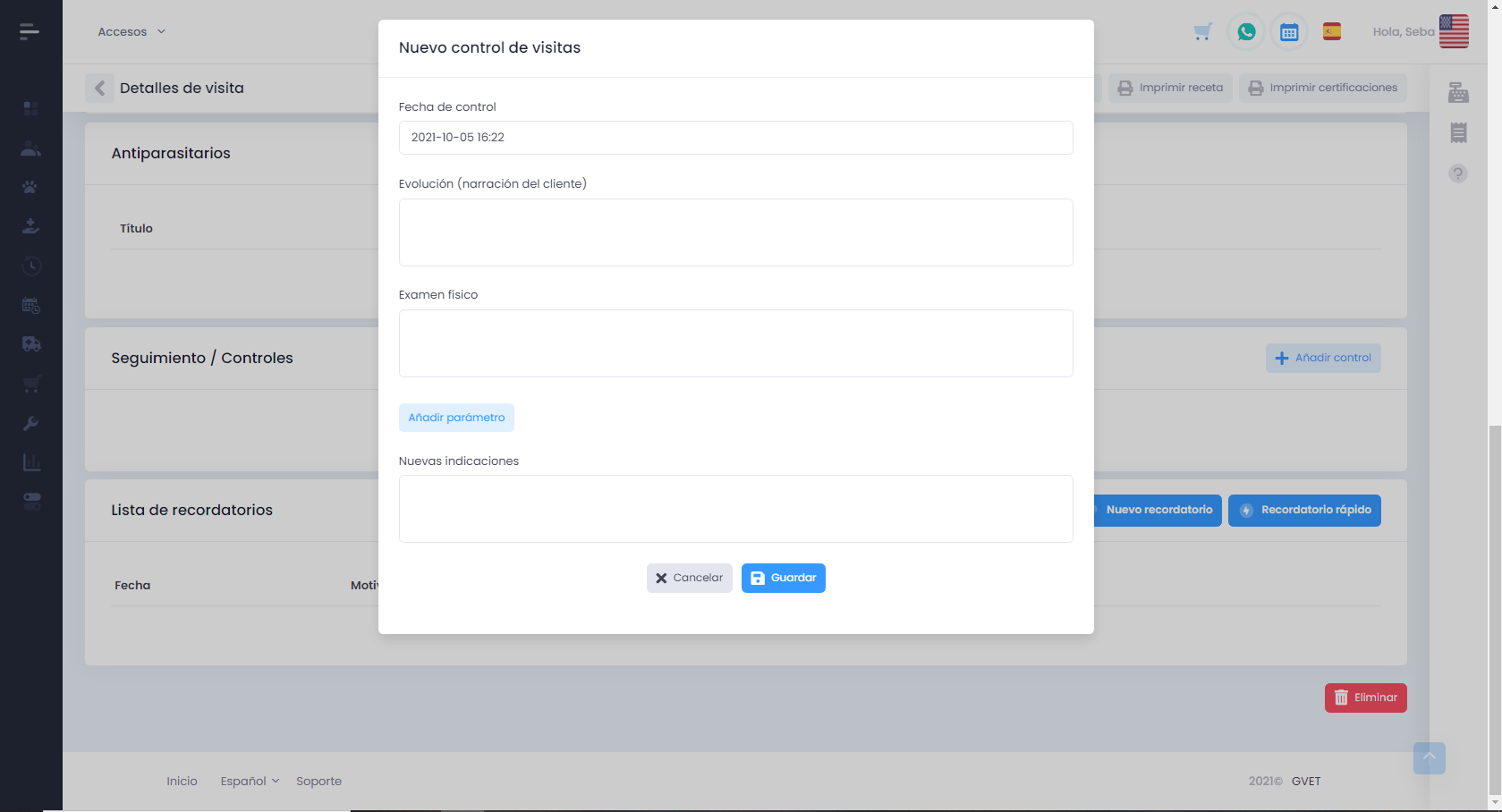
In conclusion, "Guardar".